Order Wings' modular 5
Wings' modular features
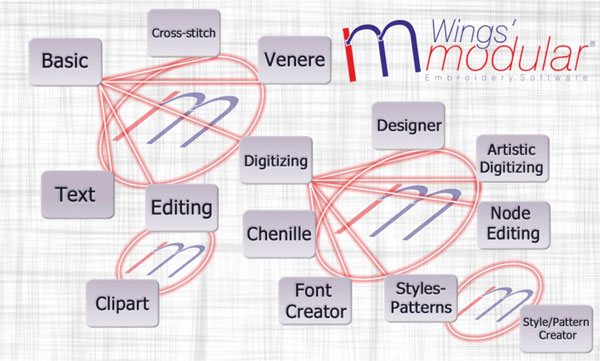
- Overview of modules»
- Compare module features»
- Basic»
- Text»
- Editing»
- Clipart»
- Cross-stitch»
- Chenille»
- Venere»
- Digitizing»
- Node Editing»
- Styles-Patterns»
- Styles/Patterns Creator»
- Artistic Digitizing»
- Designer»
- Font Creator»
Support
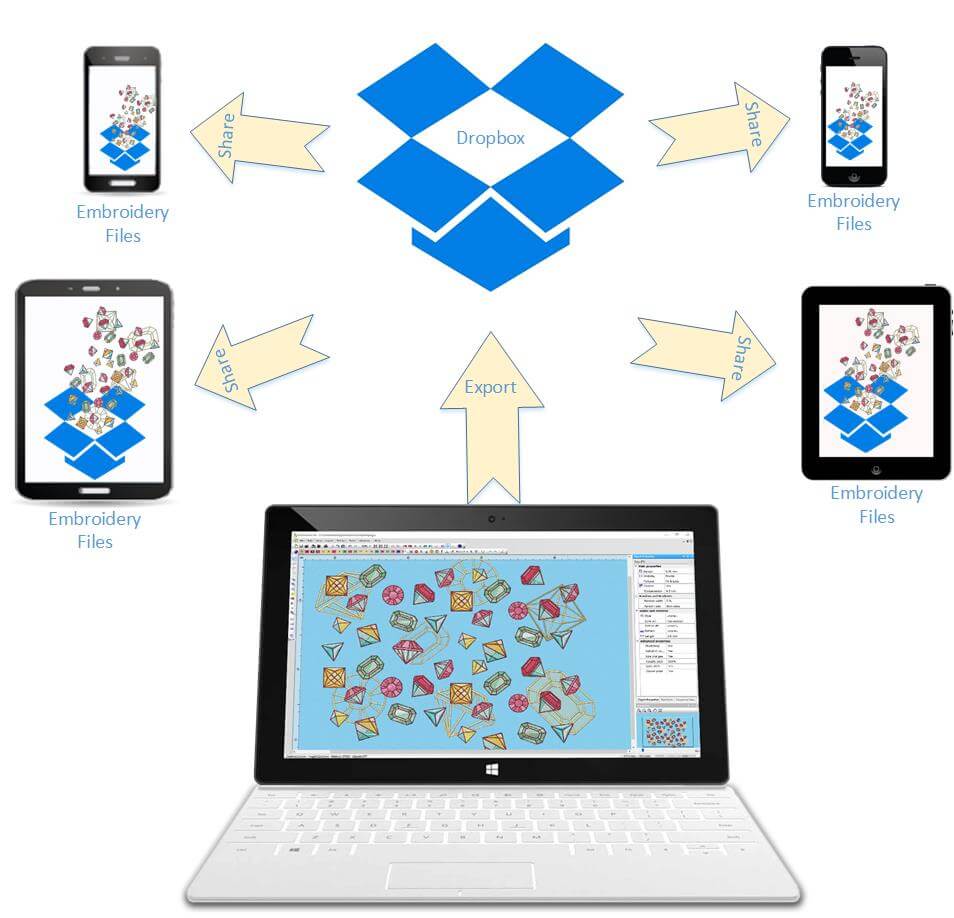
Share
modular product New features
The latest version of the software includes a lot of great useful and unique features. All features are spread in the modules of Wings' modular with best possible way that will make the addition of modules convenient. Build your own software based on your embroidery needs like a puzzle and save money from features that you will never use. The latest feature of the software are listed below.
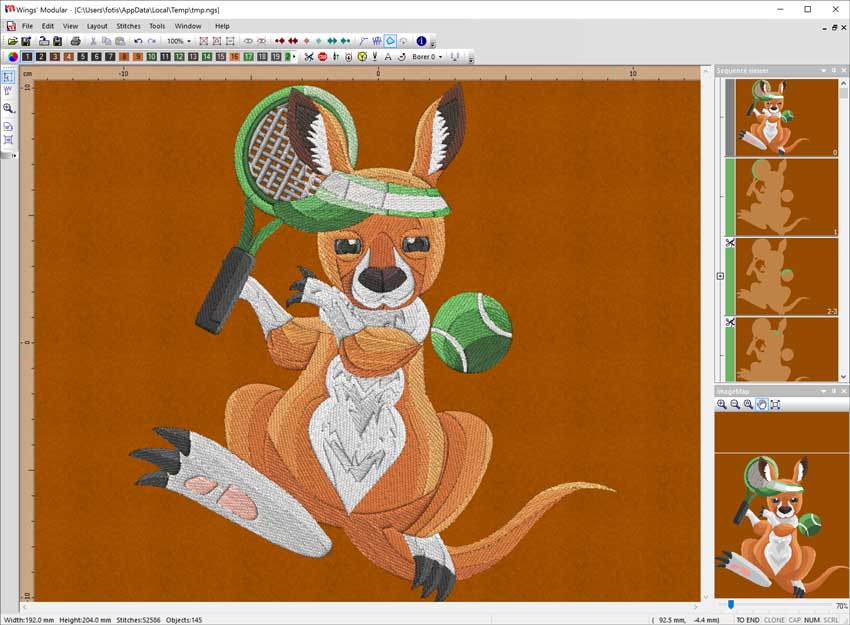
New interface and new 3D working space
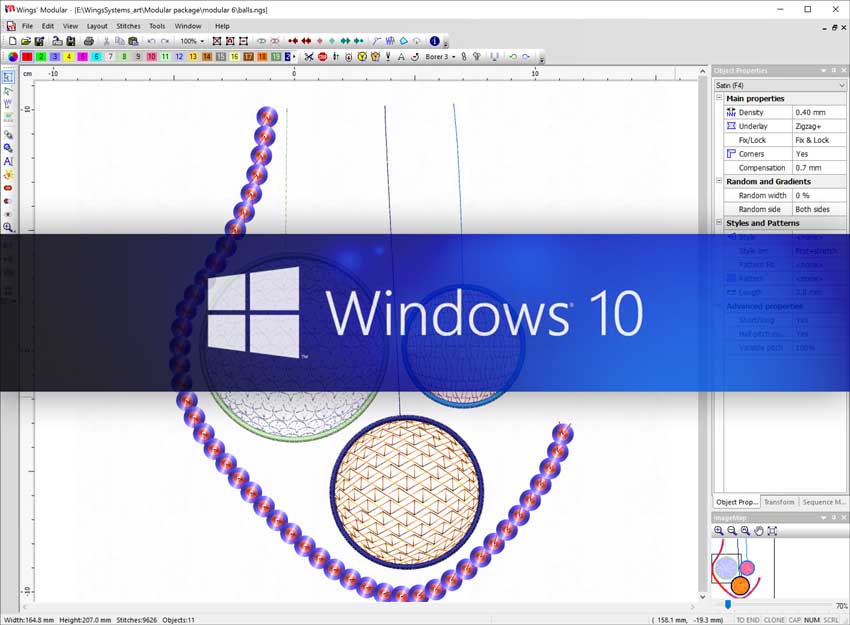
Wings' modular embroidery software is now coming with a totally new interface that allows you to digitize in 3D mode. This new technology allows you to create designs faster and load larger designs with millions of stitches and sequins. The new interface is available to all modules
Apply 3D effect
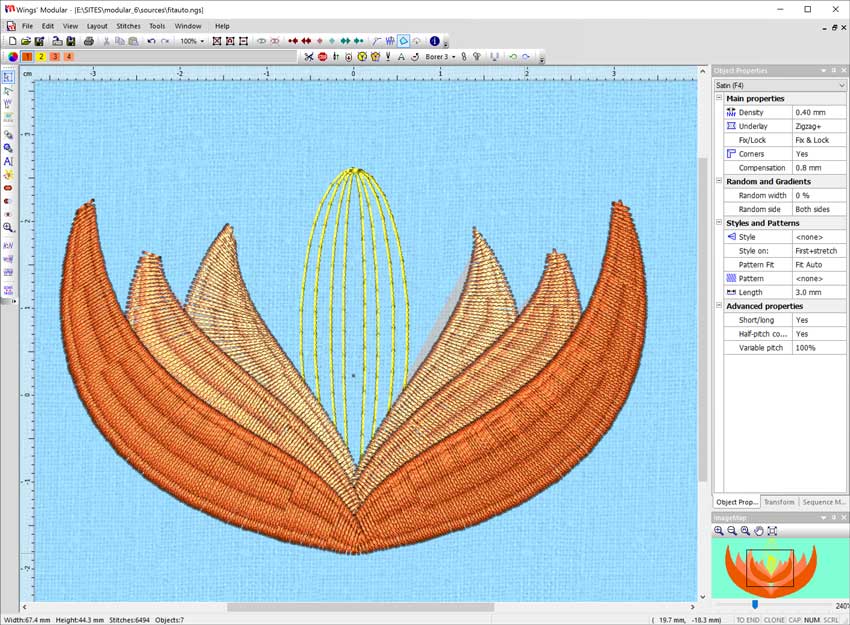
With the new envelops that have been added you can create designs with 3D effect applied on them. Create unique design by combining styles with envelops easily with unlimited abilities on reshaping and fine tuning the design. Artistic Digitizing module
Circular Array tool
Circular Array tool is a great way to create stylish design arrays easily, without losing the ability to edit the design. Any change you are making on a single object is automatically applied in the entire array. Digitizing module
Convert images to embroidery
Wings' modular 5 has the ability to convert Vector and Bitmap graphic files to embroidery designs automatically. The only thing that is needed for you is to fine tune the design and send it to the embroidery machine. This feature can increase your productivity and decrease your effort without losing embroidery quality. Designer module
Curved direction of stitches
By applying an envelope with a curved shape you have the ability to apply the envelope on the direction of stitches and see your stitches to follow a curve. This is a very useful and stylish effect for your designs. Artistic Digitizing module
Trim objects and Remove overlaps
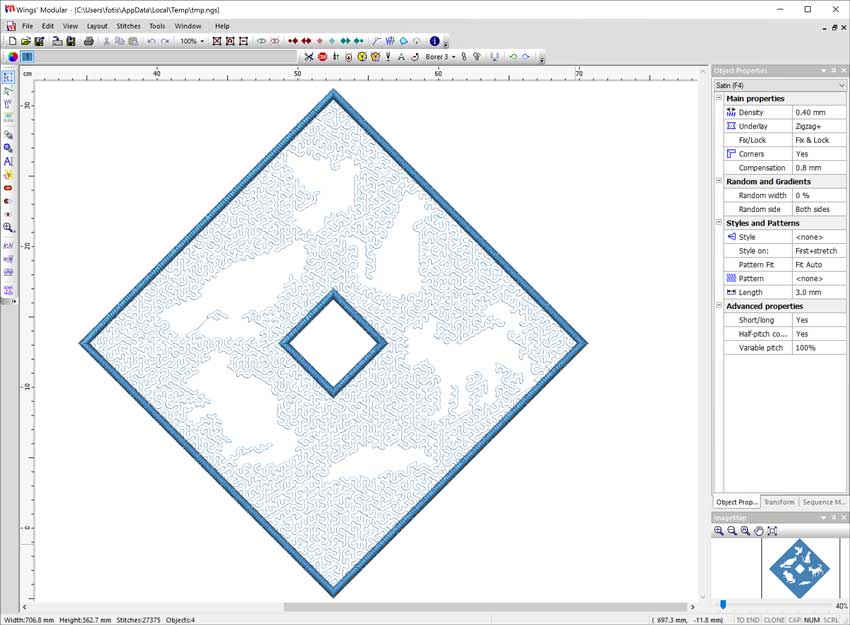
With the Trim tool you have the ability to reshape your designs by removing unneeded parts of them. You can create holes and reduce the number of stitches that will be embroidered by removing the overlapping parts. Digitizing module
Intersect objects and create unique shapes
With the Intersection tool you have the ability to overlap two objects and produce a shape of their intersection. This is a very useful tool that allows you to create shapes that otherwise would take you a lot of time to create. Digitizing module
Weld objects
With the Weld tool you can weld two or more objects and produce unique shapes easily. It is also very useful when you want to create a large object by welding many smaller ones that cannot produce proper embroidery results. Digitizing module
Apply different style per line
With the One per line option, you have the ability to apply a different style on each row of the filled object. This is a great tool that can release your creativity.Style - Patterns module
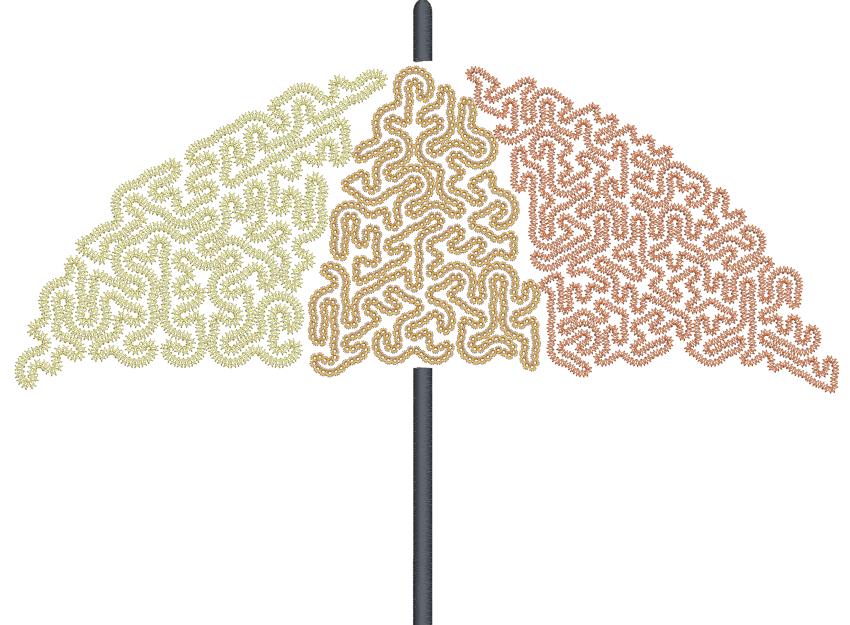
Chenille stitch type
A new stitch type has been added that allows you to create design with Chenille easily. Also you have the ability to convert any stitch type to Chenille and give life to your older designs. Chenille module
Convert objects To styles
Now is easier than ever to create styles. Design the style you want as a normal object or select any existing design and convert it to a style by simply selecting the "To style" option. The style can be used immediately on any other object. This is the easiest way to create styles or convert parts of a design to style. Also symbols can become a rich library for "To style" option. Style-Pattern Creator module
Slow redraw - Embroidery machine simulation
With the slow redraw utility you can simulate the way the design will be embroidered without having to do that on the machine. Also you have the ability to simulate your machine speed and the movement of the needle carrier. Basic module
Rectangular Array/Kaleidoscope
With the advanced Rectangular array you have the ability to rotate and mirror the copies of the array without losing the ability to edit them and create easily unique designs. Also, you have the ability to create clones that will copy any transformation that you are doing on the source design. Digitizing module
Convert images to Photostitch automatically
The new feature for the available Photostitch stitch type of Wings' modular software is that now you can easily convert any image you have to Photostitch with CMYK (Cyan, Magenta, Yellow and Key(Black)) colors automatically. A step by step wizard can convert you image to photostitch. The results are perfect with chromatic realism of the embroidery result. Designer module
Convert symbols to perfect embroidery
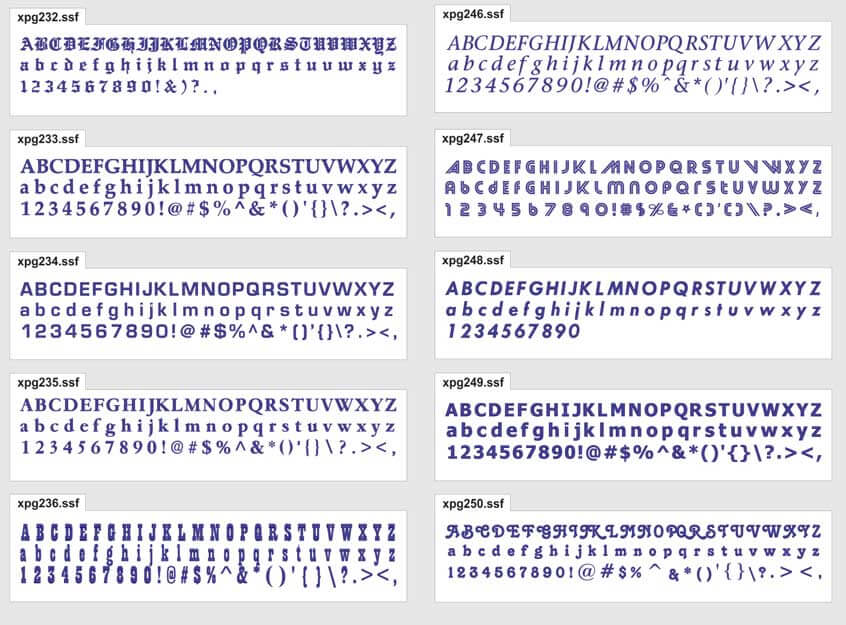
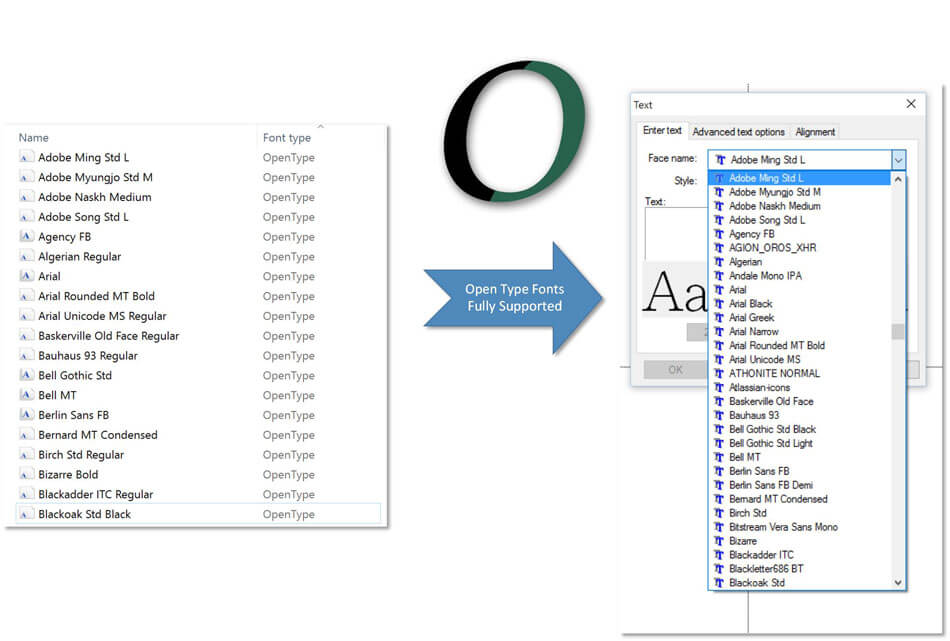
Convert any symbol to perfect embroidery easily and quickly. Each symbol can become a complete embroidery design with a click. There are many symbols you can import in Wings' modular and convert them to stitches. Symbols are ready made artworks that have various shapes that also vary depending on the Font type you are using. Artistic Digitizing module
Insert double sequins to your design
Create embroidery designs by using the double sequins mechanisms and produce unique artistic results. Fill areas with double sequins or insert double sequins anywhere inside the design with a single click. Style - Patterns module
Continuous design preview
With the Continuous design option you can view the embroidery design you have created multiplied on the working space vertically and horizontally. The copies of the original image are only viewable and not editable. This option is very useful for designing continuous designs that are creating beautiful patterns. Artistic Digitizing module
New gradient fill presets
Select any of the 24 available gradient types and create beautiful embroidery designs. Blend different stitch colors easily by applying different gradient types on overlapping stitch objects. Digitizing module
Head selection for multi-head embroidery machines
The Head Selection option was created for special multi-head embroidery machines, which allow you to select which heads will embroider which object of the design and produce complex and beautiful embroidery results. These designs are mainly used for quilts, pillows, cushions, bed seats, bed covers, curtains and for other garments with similar use. Artistic Digitizing module
2-point copy of objects
With the 2-point copy option you can easily create duplicates of your designs in the size you want. It is a very useful tool that can save you time and add perspective to your designs by playing with their sizes. Editing module
Direct communication with DRAWings 5 embroidery software
Wings' modular 5 communicates directly with DRAWings 5 and can open any exported design from it. This ability makes the combination of the two the best embroidering creation software for quick embroidery results with the highest quality. You can increase productivity dramatically by reducing time and cost of digitizing.
Adjust Bezier curves and reposition inserted nodes while digitizing
During digitizing you have the ability to adjust the Bezier curves of the node you have inserted and change the curvature of the segment you are creating. Also you can reposition the node you have inserted without having to delete it first. Take advantage of this feature and decrease the embroidery design creation time. Digitizing module
Copy attributes from one object to the other
Create designs even faster by copying attributes from one object to the other that will save you time and effort. You can copy attributes such as the "Color", the "Special Functions" applied, the "Object properties" options, the "Stitch type" and the "Transformations" that you have made. Digitizing module
Now you have the ability to design envelopes manually and give them exactly the shape you want.
Design your own envelopes and apply them on the shape's outline, on the stitches or on the direction of stitches. This is a very useful tool in the hands of embroidery designers. Artistic Digitizing module
99 thread colors in every design
Set the number of thread colors you will use when creating a new design or during the creation of the design. Basic module
More useful information about sequins and how they are applied, were added into the software
This is very useful for designs that consist of many different types/colors of sequins Basic module
Customize the color and the thickness of all inserted outlines according your preferences
By customizing the color and the thickness of all inserted outlines, you can utilize the advanced 3D workspace and work more efficiently. Basic module
Produce more realistic 3D effects on your embroidery designs by changing the light source.
Users can now easily create a bitmap representation of the final stitch results which can be printed out for proofing, on garments, postcards, and used in various designs. Basic module
Export the 3D realistic embroidery preview to embroidery look image and use it for textile printing or for promoting your work
You can easily create a bitmap representation of the final stitch results which can be printed out for proofing, on garments, postcards, and be used in various designs. Basic module
Now you can change any embroidery object to Venere cutwork object and create beautiful designs that will include cutwork
Give life to your old design by converting any embroidery object to cutwork and allow your machine to do the trimming work. With the Venere knifes you can produce perfect cutwork results easily and quickly. Venere module
Add directions and Divides (to Satin, Zig-Zag and Piping) any time you want and redesign existing objects easily
Change the way your Satin, Zig-zag or Piping objects are embroidered by simply changing their stitch Directions and section Divides. Digitizing module
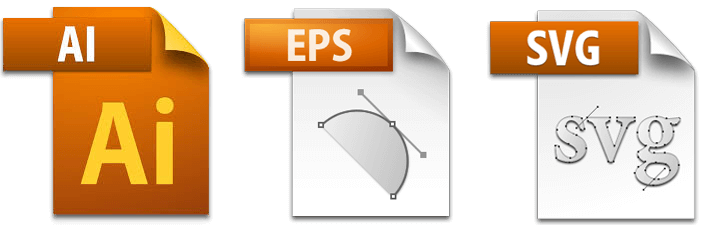
Support for newer versions of .AI vector file format
The importer of .AI vector files has been improved and now you can load newer versions of illustrator files and convert them to stitches. (It is included in all modules which have Import Bitmap/Vector backdrop abilities)
Special support for SWF double sequins while opening existing designs and while creating new ones
A new option is added "Read sequins as SWF's Dual Sequin System" that reads correctly the .dst files that were saved with the SWF macro.
Fully customizable workspace according your preferences. Adjust it once and lose no time while creating embroidery designs
You can reposition the toolbars and dockable rollups by click and dragging them. Also at the end of each toolbar you have some options that allow you to select which tools you want to view. Basic module
Turn on/off stitches while you are inside node editor
Turn on/off stitches while you are inside node editor, and visualize how your changes affect the stitches without having to switch back to object editor. (It is included in all modules which have node editing abilities)
View your designs easier by using the Auto Pan functionality of the middle mouse click
While you are working in the design area you can use the middle click (click the roller in) and switch to mouse pan mode. By moving the mouse towards the area you want to view, the view port changes smoothly and helps you navigate to your design without having to change zoom level. Basic module
Use the mouse wheel on any tool and make changes quicker and easier
The software recognizes the position of the mouse cursor and uses the roller on the specific tool that you are located. Basic module